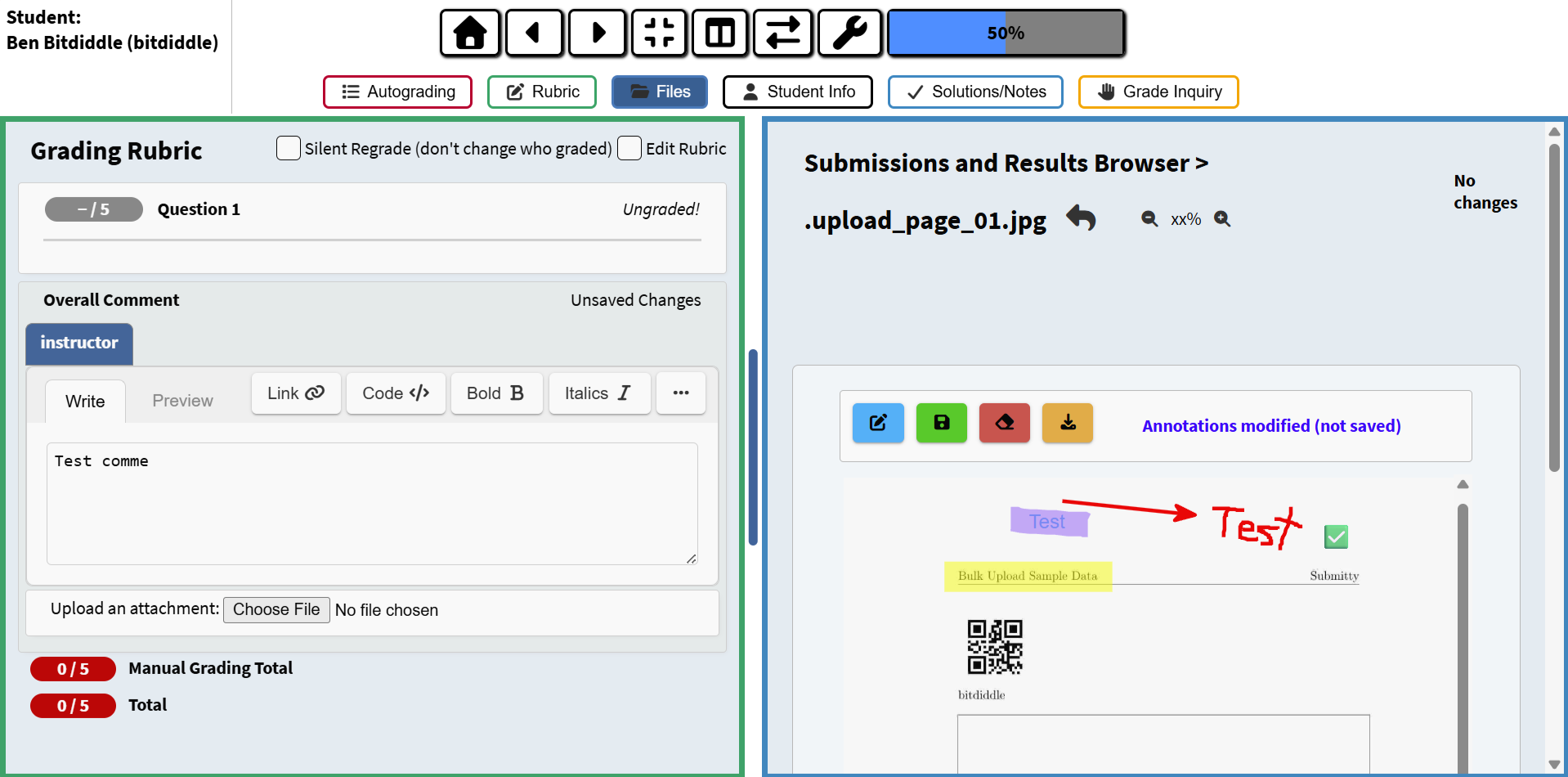
Overall Comment and Image Annotations
In addition to the somewhat general-purpose system of common marks and points, graders can leave more personalized type-written notes in the Overall Comment box at the bottom of the grading rubric panel.
The grader can also add annotations to image documents. Currently image annotation is available for images that were automatically generated within the student’s submission, such as the single-page JPGs made during a bulk-upload. Annotations can be handwritten using a touchscreen, digital tablet, or mouse, or they can be typewritten in textboxes places on the image.